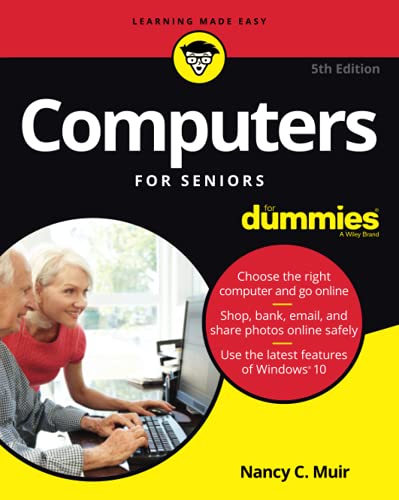
Laptops for Seniors in easy steps: Covers all laptops using Windows 10
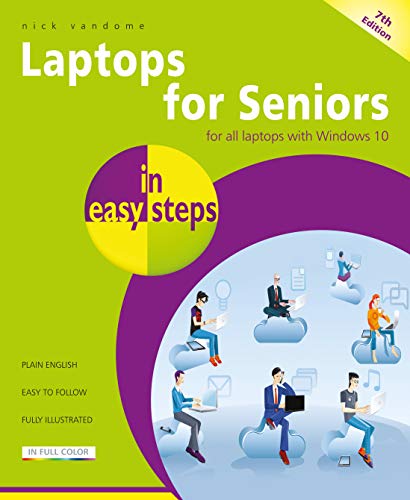


Key features
- •Choose the right laptop for you
- •Master the key features of Windows 10 on your Windows laptop
- •Find your way around with the Start button, the Start menu, and the Taskbar
- •Use the Quick Access section - an area you can personalize with your favorite apps, programs, contacts and websites so you can quickly get to the functions and files you use most often
- •Search the web with the Microsoft Edge browser
- •Learn about apps, find and download them, then resize and move them and maximize, minimize or close from their titlebars
- •Understand how Cloud storage with OneDrive works, and use it for free storage and sharing files
- •Talk to Cortana, the voice-activated Personal Digital Assistant which can perform searches on your computer or the web, perform actions like opening apps or documents, or set reminders and more
- •Use your laptop to make travel easy and keep your folks at home updated on your adventures
- •Learn to troubleshoot common problems and keep your laptop working in tiptop condition
BrandIn Easy Steps
CategoryPCs
Laptops for Seniors in easy steps: Covers all laptops using Windows 10
List Price: $1.94$1.75DEALYou Save: $0.19 (10%)
Free shippingFree Returns – 30 daysFree Order CancellationSecure Payment2–3 Days DeliveryGet It October 24, 2026In Stock (3)No marketing spamNo account requiredFulfilment by FedEx / Amazon / UPS / ShipwirePayPal / Card Buyer Protection