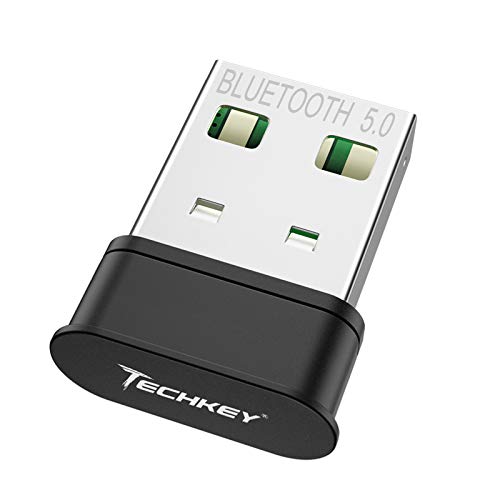
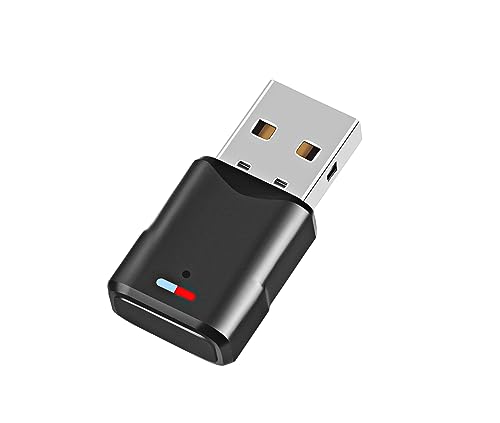
TECHKEY Bluetooth Adapter for PC USB Bluetooth Dongle 4.0 EDR Receiver Wireless Transfer for Stereo Headphones Laptop Windows 10, 8.1, 8, 7, Raspberry Pi



Key features
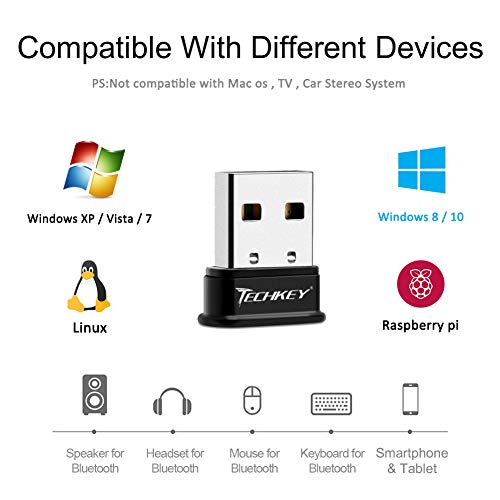
- •Support to Windows 10, 8.1, 8, 7, or Linux PC that don't already have it. Adds (Low Energy) support to Windows 8 and higher.
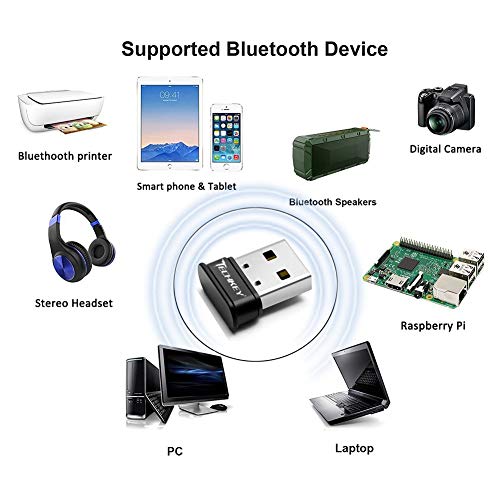
- •Supports speakers, headphones, headsets, keyboards, mice, and more. Extremely compact USB adapter. Safe to leave in for laptop travel. Energy efficient.
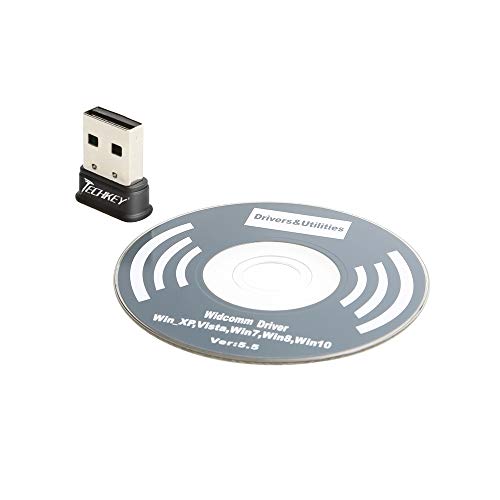
- •Automatic install through Windows Update in Windows 10 with default stack. Includes Broadcom stack for Windows 8.1, 8 and 7 (available separately for 10). Works with Raspbian and Ubuntu on the Raspberry Pi.
- •Does NOT work in car stereo systems or TV. Does NOT work with Mac. NOT recommended for employer-provided computers.
- •Some audio devices, such as the Bose QuietComfort 35, require downloading specific drivers to function in Windows 7. The Monoprice 8323 is NOT compatible.
TECHKEY Bluetooth Adapter for PC USB Bluetooth Dongle 4.0 EDR Receiver Wireless Transfer for Stereo Headphones Laptop Windows 10, 8.1, 8, 7, Raspberry Pi
List Price: $25.20$22.68DEALYou Save: $2.52 (10%)
Free shippingFree Returns – 30 daysFree Order CancellationSecure Payment2–3 Days DeliveryGet It October 25, 2026In Stock (1)No marketing spamNo account requiredFulfilment by FedEx / Amazon / UPS / ShipwirePayPal / Card Buyer Protection
Customer Reviews
Reviews sourced from verified Amazon purchasers4.1
out of 5
Based on 10 reviews
5★
90%
4★
10%
3★
0%
2★
0%
1★
0%
Simple way to add Bluetooth to a computer that doesn't have it.
Scott Pederson•September 5, 2018
I have a pair of decent bluetooth headphones. Looking for a way to listen to music on my desktop PC (no bluetooth) and this fit the bill perfectly. Windows 10 recognized and automatically loaded the drivers.
Next up, pair to my headset and use the Speaker icon in the Windows system tray to select my headphones - where I want my music played.
Next up, pair to my headset and use the Speaker icon in the Windows system tray to select my headphones - where I want my music played.
Usually works great!
Richard Bolan•September 2, 2018
This worked fine with one exception. I could not connect on my HP computer -- but I suspect the computer was the problem and not the bluetooth connecter. Worked fine on my office computer (Dell) and my laptop (Leveno).
Works with Linux Centos 6 Desktop.
Zaphod Beeblebrox•August 19, 2018
Needed a way to connect BT Headphones to to a Linux PC running Centos 6. The was recognized by the kernel and was able to link up the headphones in just a few seconds. A+ for being Linux compatible.
Outstanding and fast connect
Johnny Oracle•July 16, 2018
Outstanding and fast connect to audio headphones...I do not have anything bad to say about this product. My only issue that took several if not dozens of hours to correct was an issue I was having with Microsoft Win 7 64 bit Ultimate Edition and hard drive corruption. After Windows already supplied a driver, it would not connect to any devices. I uninstalled the driver under Device Manager, and ran the supplied CD installation. Worked 99% Still... Broadcom Server service would crash when accessing things like Sound Recorder for example, but would quickly reconnect just fine once I closed Sound Recorder but an annoying error with playing on a Gaming website that requires a solid connection to Bluetooth. I finally surrendered to starting Windows in Safe Mode (F8 on startup), removed the Bluetooth driver once again under Device Manager, and ran the installation CD provided by Techkey, now everything is working perfectly! I also bought a new pair of Avantree headphones that connect much faster and easier than my CSR generic dongle that would only connect in MONO and not STEREO which was not acceptable. I ran a repair of Windows 7 using my Win CD also which was desperately needed due to hard drive corruption, virus damage, etc. Bottom Line...I would recommend the dongle Bluetooth by Techkey.
Plug & Play
smitty•July 14, 2018
Wow! I simply inserted the unit, and my HP PC automatically performed a quick setup. Subsequently, a message appeared stating that the unit was ready to pair with my Bluetooth headphones. The entire process took one minute. The sound quality and range are good. I am very pleased with my purchase.
Page 1 of 2