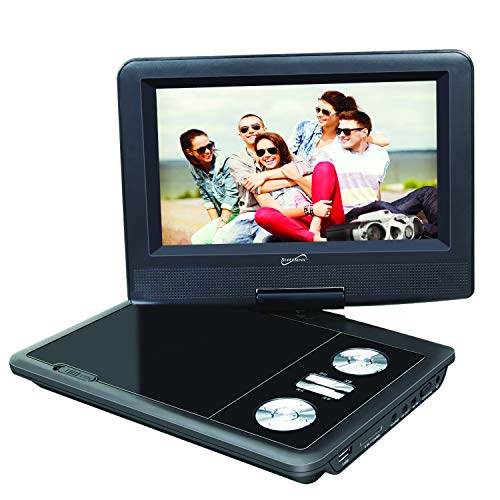
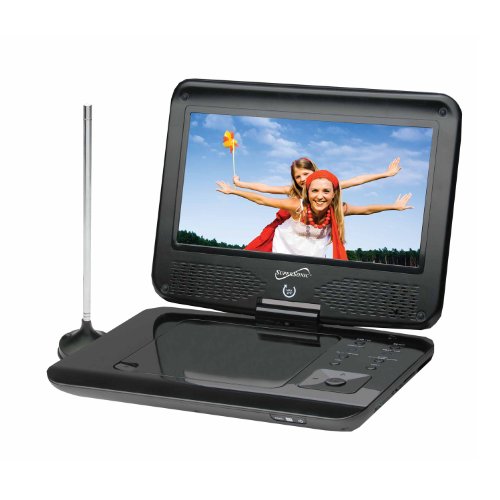
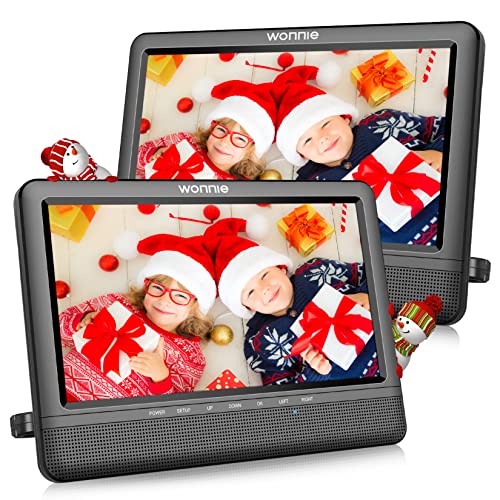
DBPOWER 11.5" Portable DVD Player, 5-Hour Built-in Rechargeable Battery, 9" Swivel Screen, Support CD/DVD/SD Card/USB, Remote Control, 1.8 Meter Car Charger, Power Adaptor and Car Headrest (Black)


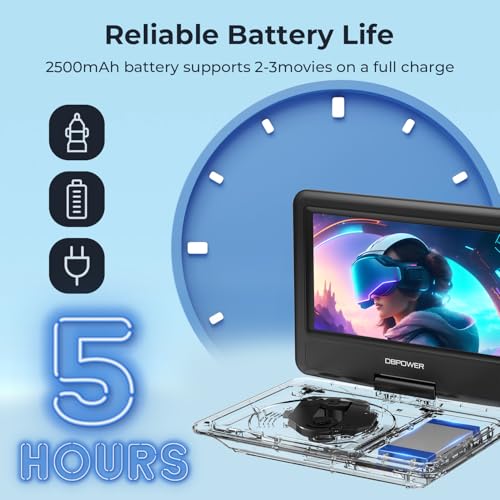

Key features
- •HIGH CAPACITY BUILT-IN BATTERY: Built with 2500 mAh rechargeable lithium battery that ensures an using time about 5 hours. Battery-powered, car charger, AC power adapter three power supplies, you can play anywhere.
- •SUPPORT MULTI-MEDIA: Direct play in formats: CD,DVD,CD-R/RW,DVD-R/+R,DVD+RW/-RW, VCD,SVCD(not blu-ray DVD); It is Region free. Max 32GB USB and SD Card supported:MP3/MP4/WMA/WAV, JPEG, MPEG2/AVI/DIVX.
- •SWIVELING SCREEN: 9 inch 800*480 Swivel Screen with 270 degrees rotation and 180 degrees flip. Easily swiveled as a tablet to attach to the car headrest when you are on road trips.
- •MULTIPLE WAYS TO PLAY: AV output can be connected to the TV, watching movies on the big screen. 2 same players can be connected by an AV to AV cable to play same movie at the same time.
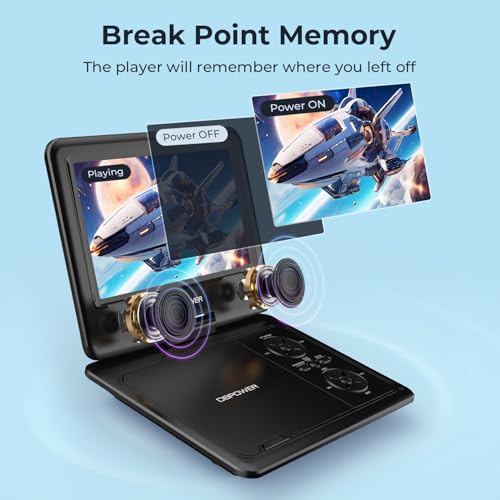
- •LAST MEMORY: Support break-point memory function, our portable DVD player will pick up from where you left last time.
DBPOWER 11.5" Portable DVD Player, 5-Hour Built-in Rechargeable Battery, 9" Swivel Screen, Support CD/DVD/SD Card/USB, Remote Control, 1.8 Meter Car Charger, Power Adaptor and Car Headrest (Black)
List Price: $80.49$72.44DEALYou Save: $8.05 (10%)
Free shippingFree Returns – 30 daysFree Order CancellationSecure Payment2–3 Days DeliveryGet It October 26, 2026In Stock (30)No marketing spamNo account requiredFulfilment by FedEx / Amazon / UPS / ShipwirePayPal / Card Buyer Protection
Customer Reviews
Reviews sourced from verified Amazon purchasers4.3
out of 5
Based on 10 reviews
5★
80%
4★
20%
3★
0%
2★
0%
1★
0%
Works great
Cindi Van Kirk✓ Verified Purchase•October 11, 2023
Very simple to operate after powering it up! I like how the screen can turn so that when I'm sitting on my couch, I can turn the screen to where I want it. Has great video quality and sound!
Great product
Stephanie ✓ Verified Purchase•September 8, 2023
This is our second DVD player. We bought 1 for long car rides and got another for our second child. Delivery was astonishingly fast and the first one has held up well to toddler antics. Definitely recommend.
Great customer service, good dvd player
Charlie Harper✓ Verified Purchase•August 27, 2023
Great customer service and great DVD player.
Very nice item for the price; a few comments
Bruce_in_LA✓ Verified Purchase•August 22, 2023
UPDATE: WONDERFUL SUPPORT !!! I lost the remote control, making it hard to do functions like PAUSE and RESTART which are pretty important. I wrote the mfgr (support at dbpower dot co) and they were super helpful and actually just sent me the new unit. That's five stars for sure!
###
ORIGINAL REVIEW
First of all, this is a inexpensive item and any comments I make should be taken in that light. This is a fine item for the price. I did notice one or two quirks (see HEADPHONE).
WHY DID I GET THIS? Who uses DVDs? I get some from my library, sometimes from Netflix (many DVDs that Netflix does not allow to "stream"), and sometimes I get European DVDs which THIS player WILL play. Also some DVD's don't play at all on my computer because they sense it is a computer or has a record function.
EASE OF USE. Easy to charge (red light goes off when charged). You can get instruction book online (Google search for model) but note the indexes to the two figures of the machine and the remote, are reversed. The top dial has four functions at the four points: Volume down and up (left/right) and screen on/off and Stop (top/bottom). The middle button M = Menu. The middle three buttons cycle between DVD/USB/SD Mem Card (clearly labeled), "mode" which means internal versus external video supply, and Setup which is setup of the DVD player itself with quite a few nerdy options. The bottom dial is fast rewind (several speeds) and fast forward (several speeds) (left/right) and jump track (top/bottom). The standard GO or OK button (for answering screen menus) is in the middle of the bottom dial.
HEADPHONE. This is the main quirk I found. If you use cell phone earbuds with a MIC button (3 or 4 stripes on the plug) it may NOT work WELL. If this happens, jiggle it, or better, use earbuds with NO MIC only sound.
SCREEN. It's fairly good, but remember, this is very inexpensive.
USB. When you insert a USB plug it will auto open the menu with a list of files on that USB; click up and downward on the bottom dial to select. Easy enough. But I haven't seen a USB movie yet. I have movies in MP4 and H246 format and it won't play those, so be careful which formats of movie you try.
###
ORIGINAL REVIEW
First of all, this is a inexpensive item and any comments I make should be taken in that light. This is a fine item for the price. I did notice one or two quirks (see HEADPHONE).
WHY DID I GET THIS? Who uses DVDs? I get some from my library, sometimes from Netflix (many DVDs that Netflix does not allow to "stream"), and sometimes I get European DVDs which THIS player WILL play. Also some DVD's don't play at all on my computer because they sense it is a computer or has a record function.
EASE OF USE. Easy to charge (red light goes off when charged). You can get instruction book online (Google search for model) but note the indexes to the two figures of the machine and the remote, are reversed. The top dial has four functions at the four points: Volume down and up (left/right) and screen on/off and Stop (top/bottom). The middle button M = Menu. The middle three buttons cycle between DVD/USB/SD Mem Card (clearly labeled), "mode" which means internal versus external video supply, and Setup which is setup of the DVD player itself with quite a few nerdy options. The bottom dial is fast rewind (several speeds) and fast forward (several speeds) (left/right) and jump track (top/bottom). The standard GO or OK button (for answering screen menus) is in the middle of the bottom dial.
HEADPHONE. This is the main quirk I found. If you use cell phone earbuds with a MIC button (3 or 4 stripes on the plug) it may NOT work WELL. If this happens, jiggle it, or better, use earbuds with NO MIC only sound.
SCREEN. It's fairly good, but remember, this is very inexpensive.
USB. When you insert a USB plug it will auto open the menu with a list of files on that USB; click up and downward on the bottom dial to select. Easy enough. But I haven't seen a USB movie yet. I have movies in MP4 and H246 format and it won't play those, so be careful which formats of movie you try.
Mama approved ✅
Cleo✓ Verified Purchase•August 16, 2023
The media could not be loaded. First, my mom has been wanting a portable dvd player to watch my grandpas funeral. She's very pleased with the quality of the video. I'm also really impressed with the sound quality! It's surprisingly loud. I haven't tried connecting it to the TV, but I'm glad it has that option! Remote came with batteries, and work perfectly fine with the player. Thank you.
Page 1 of 2