Cheerdots Bluetooth Presentation Clicker Wireless Presenter, Air Mouse with Red Light Presentation Remote for Mac, Windows, iPad OS and Android, Space Gray




Key features
- •【Ultimate Clicker for Presentations & Air Mouse】CheerTok can be connected to Bluetooth in a flash. Touch the panel to achieve cursor movement. Tap the touchpad to achieve the effect of mouse click, just like a mouse. Slide the side or the top to achieve an up and down page turning smoothly. Volume can be adjusted by the volume keys on the side, saving time in the operation on the PC. Whether you are meeting, teaching or speaking, it's always an efficient & excellent experience.
- •【Long Range Laser Pointer 】By pressing the Home Button, the presentation clicker can easily release an intense red laser to attract more attention to your presentations and lectures. (Light range: ≤ 328 FT).
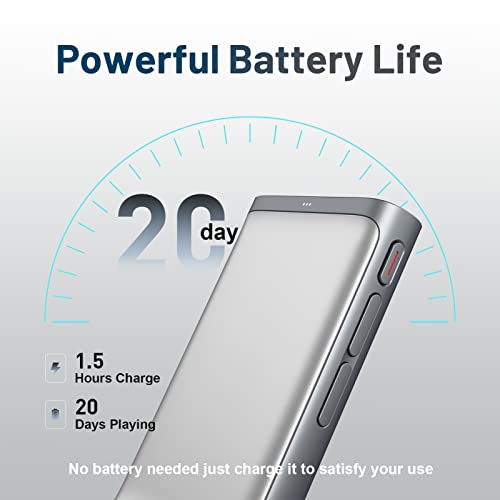
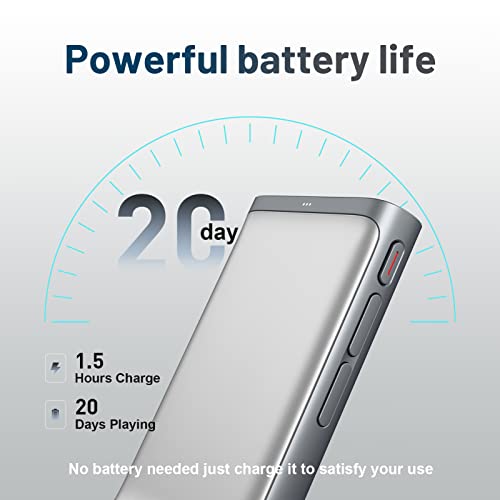
- •【5.0 Wireless Bluetooth connectivity & Long battery life】CheerTok has an ultra-low latency of 7ms, turn on Bluetooth and your CheerTok, instantly connect and use. The next time you give a speech, this presentation clicker can be automatically connected without plugging in any receivers, no more hassles of finding receivers. CheerTok is equipped with a Type-C charging port and can be used continuously for 40 hours with a full charge in just 1.5 hours.
- •【Coin-Thin Size & Pack And Go】CheerTok wireless presenter is as thin as a coin, measuring only 76x28x10mm, and has been ergonomically tuned hundreds of times according to the size of the human man,making it feel great in the hand. Weighing only 40g, the thin and light CheerTok is designed to be carried around in the pocket.
- •【Wide Compatibility Including Mobile Devices】Not just your wireless presenter remote, CheerTok is also an air mouse, supporting macOS (2013 or later), Win 8/10 (with BLE), iPadOS 13 or above, and Android 5 or above. CheerTok can help you operate remotely in any app or software as long as it is connected to a compatible system. If there is any problem, our 24/7 after-sales service will always be here to respond to you and give you the best solution.
Cheerdots Bluetooth Presentation Clicker Wireless Presenter, Air Mouse with Red Light Presentation Remote for Mac, Windows, iPad OS and Android, Space Gray
List Price: $69.22$62.30DEALYou Save: $6.92 (10%)
Free shippingFree Returns – 30 daysFree Order CancellationSecure Payment2–3 Days DeliveryGet It October 24, 2026In Stock (1)No marketing spamNo account requiredFulfilment by FedEx / Amazon / UPS / ShipwirePayPal / Card Buyer Protection
Customer Reviews
Reviews sourced from verified Amazon purchasers4.0
out of 5
Based on 10 reviews
5★
80%
4★
20%
3★
0%
2★
0%
1★
0%
Air Mouse Cheerdot - Amazing!
W. Ng ✓ Verified Purchase•August 31, 2023
I'm glad I took advantage of the promotion. This air mouse was so easy to install. The Bluetooth was detected quickly and I was controlling my cursor soon after. Let's not forget the built in laser pointer. It's drives my friend's cat crazy!! LOL.
PERFECT FOR GOOGLE SLIDES
Julia Williams✓ Verified Purchase•July 22, 2023
I have been looking for a presentation clicker that works with Google Slides and this is it. It is works great for the price you pay.
Smart design, love it!
Amazon Customer✓ Verified Purchase•June 2, 2023
I have two laptops at home, one for windows and one for Mac. I have tried to use it to connect both laptops and found that it worked very well. I can say it is a special air mouse. It also works smoothly with my iPhone 12s as well as my iPad mini, especially for the home button design while it is in the mobile mode, very useful for Apple users!
Great little presentation remote. Great value and funtionability.
Owen✓ Verified Purchase•June 1, 2023
Works well with my Samsung Tab S6 Lite. I was searching for a small presenter remote to use with my tablet during my speaking sessions. The scroll option works well with my Google docs and PowerPoint. Highly recommended purchase.
Great tool to have in your E-Tool-kit.
SR7✓ Verified Purchase•May 15, 2023
This came in handy when setting up some server host machines that will not be used as a desktop at all. So I did not have pre-installed HMI devices as keyboard , mic, or mouse. I used this remote along a raspie display to navigate and do pretty much anything I would need to do. It can bring up a 'on screen keyboard'. The red laser is l okay and nifty.
Page 1 of 2


