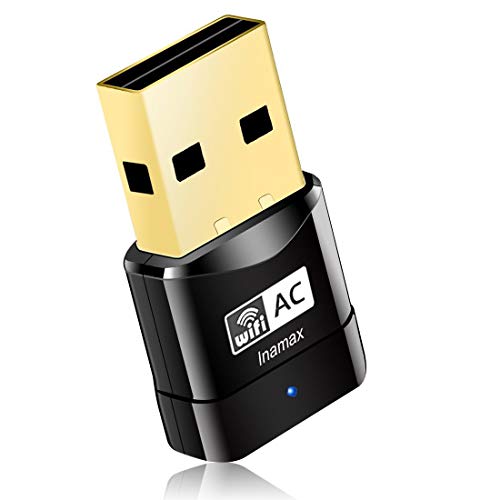
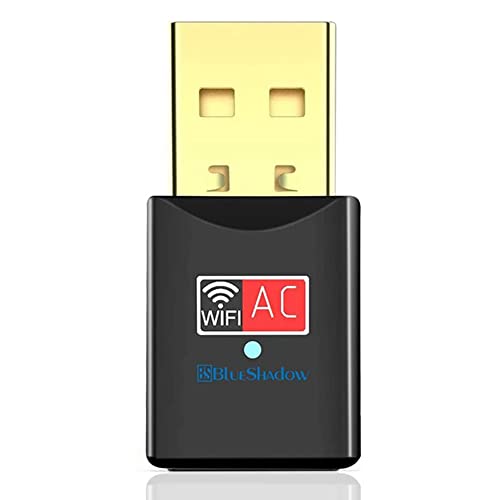
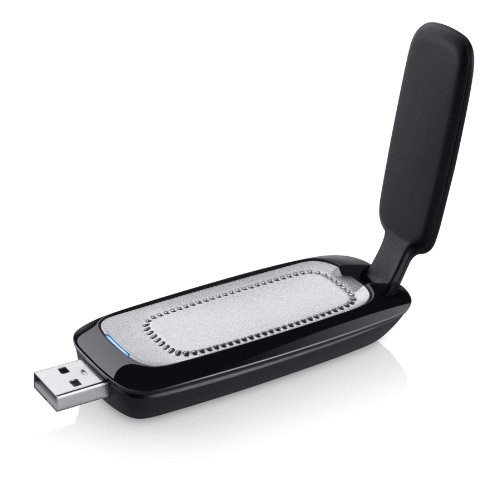
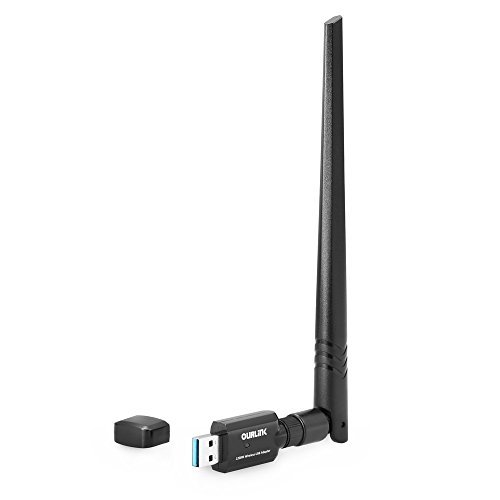
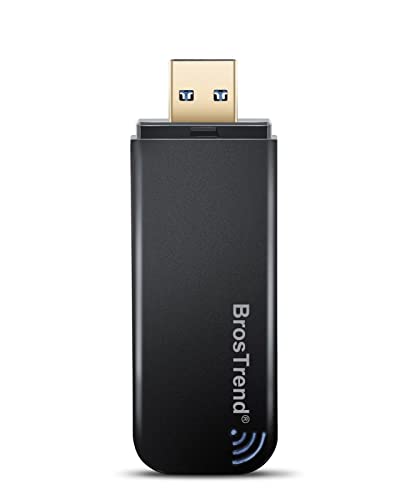
BrosTrend 1200Mbps USB WiFi Network Adapter for Laptop, Desktop PC of Windows 11/10/8/7, USB 3.0, Wireless Adaptador AC1200 Dual Band 5GHz/2.4GHz




Key features
- •ULTIMATELY FAST USB WIFI ADAPTER WITH 1200MBPS WIRELESS SPEED: 867Mbps on 5GHz WiFi Band Or 300Mbps On 2.4GHz Wi-Fi Band, Excellent for Online Gaming, HD Video and High Quality Music
- •WIFI NETWORK ADAPTER WITH THE LATEST 802.11 AC DUAL BAND WIFI TECHNOLOGY: Extend your WiFi Range to Get Better WiFi Network Connection
- •WORKS WITH ANY Wi-Fi ROUTER: Universal Compatibility with 802.11 AC/N/G/B/A WIFI Routers* by Using this Dual Band WiFi Adapter AC
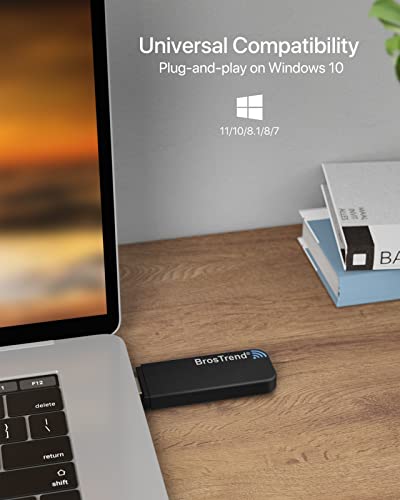
- •UNIVERSAL COMPATIBILITY WITH WINDOWS PC OR MAC, PLUG AND PLAY ON WINDOWS 10* and WINDOWS 7: the Best Windows XP, Windows 7, Windows 8, Windows 10 USB WiFi Adapter for Desktop, Laptop, MAC; Works with MAC OS X 10.9 - 10.14
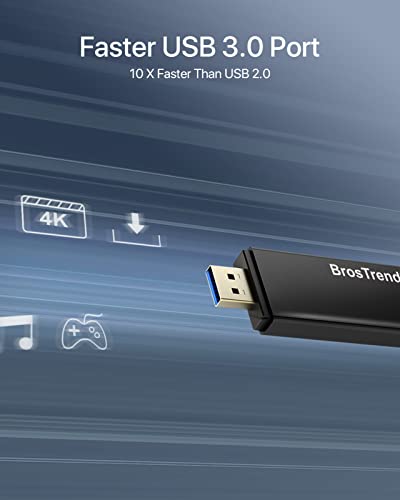
- •USB 3.0 PORT WORKS 10 TIMES FASTER THAN USB 2.0: Works with the USB 3.0 or USB 2.0 Port of your Desktop, Laptop, PC, or MAC by Using this BrosTrend USB Wifi Adapter; 24/7 Technical Support Email: [email protected]
BrandBrosTrend
CategoryUSB Network Adapters
Size3.1-inch, 1-inch, 0.3-inch
ColorBlack
WarrantyRegister for 2-Year Warranty
BrosTrend 1200Mbps USB WiFi Network Adapter for Laptop, Desktop PC of Windows 11/10/8/7, USB 3.0, Wireless Adaptador AC1200 Dual Band 5GHz/2.4GHz
List Price: $41.89$37.70DEALYou Save: $4.19 (10%)
Free shippingFree Returns – 30 daysFree Order CancellationSecure Payment2–3 Days DeliveryGet It October 27, 2026In Stock (1)No marketing spamNo account requiredFulfilment by FedEx / Amazon / UPS / ShipwirePayPal / Card Buyer Protection
Customer Reviews
Reviews sourced from verified Amazon purchasers3.9
out of 5
Based on 10 reviews
5★
60%
4★
20%
3★
10%
2★
10%
1★
0%
As good as any cheaper and smaller adapter
Vitaly Krasovsky•November 7, 2017
Good only when works. I did see few reviews of this type, but decided to try anyway.
It was a mistake.
Device is as good as my previous one for $6.
At least the cheap one worked full month before started making problems. This one started on day 3.
If comp went to sleep - u have to reconnect manually or restart.
Sometimes it just disconnects by itself and takes at least a minute to reconnect. (My router is 10 feet from it w/o obstacles).
It is very annoying when you try to stream things.
Probably will return it.
I guess, it will worth to spend 60-80 $ for a solid good one from known company that actually deals with networking.
It was a mistake.
Device is as good as my previous one for $6.
At least the cheap one worked full month before started making problems. This one started on day 3.
If comp went to sleep - u have to reconnect manually or restart.
Sometimes it just disconnects by itself and takes at least a minute to reconnect. (My router is 10 feet from it w/o obstacles).
It is very annoying when you try to stream things.
Probably will return it.
I guess, it will worth to spend 60-80 $ for a solid good one from known company that actually deals with networking.
Slow and Signal Quality Poor
Jeremy Jones•November 2, 2017
As far as speeds go they will vary of course but I have to say I was very disappointed on the range that this device doesn't seem to have. Plugged in through a USB 3 port and all the firmware updated I was only able to achieve around 200 x 200 on my gigabit connection. I was within range of my router and it's more than capable of 400 X 400 considering that's what most of my phones get in the house. I think the most frustrating part is that it kept loosing signal. Take in mind it was in a clear direct path of the router with nothing to interfere.
A very good purchase
Zero•October 5, 2017
It's improved the internet speed of my CPU, nearly tripled the Mbps, my wifi status shows a connection speed is over 600 Mbps at times. My XInfinity modem however does not go up that far :0( It was a very good buy and increased my internet speed especially video streaming, and downloading files.
Easy install greatworking purchase
DosZap•September 26, 2017
Works fine in my added 3.0 USB plug in's,my puter is 2' from the router,so I keep hardwired constantly,but always want DUAL capability if moved.
For those that have computers that do NOT run the disc automatically, click the open folders etc onscreen prompt,and double click on install icon, then follow it from there, a small PITA,but my computer is 7yrs old.
For those that have computers that do NOT run the disc automatically, click the open folders etc onscreen prompt,and double click on install icon, then follow it from there, a small PITA,but my computer is 7yrs old.
My laptop can see 5Ghz!
Robert•August 19, 2017
I use an Asus P550C and I can now use the 5Ghz that my roommates and I pay for. I had to install the driver in both Ubuntu Linux and Windows 10. It was simple in the latter, but the most difficult thing ever to do in Linux. I ended up scrapping the driver that came with the adapter and installing a copy that I found on GitHub (I didn't think to save the link, sorry to anyone who might need it). For Windows 10, it took about 5 minutes to get everything ready. For Linux, it took closer to 6 hours to figure out what needed to be done.
Page 1 of 2