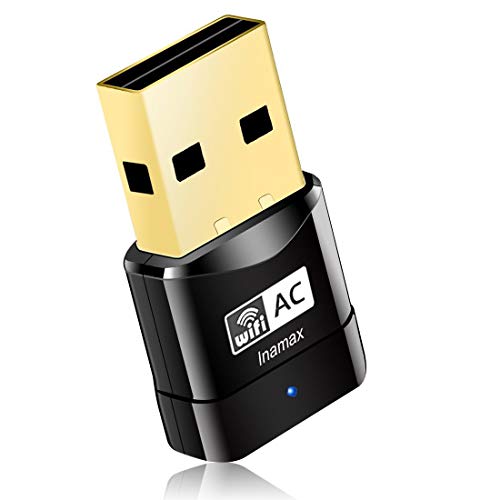
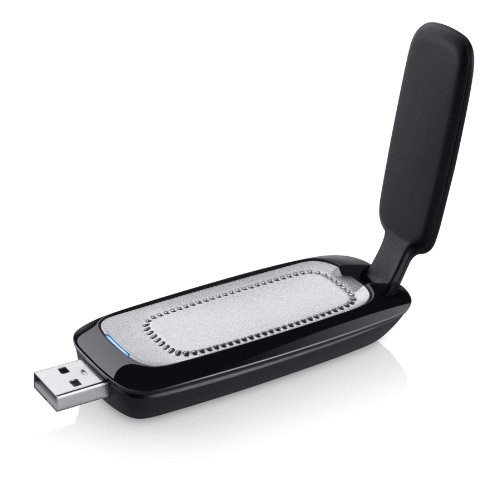
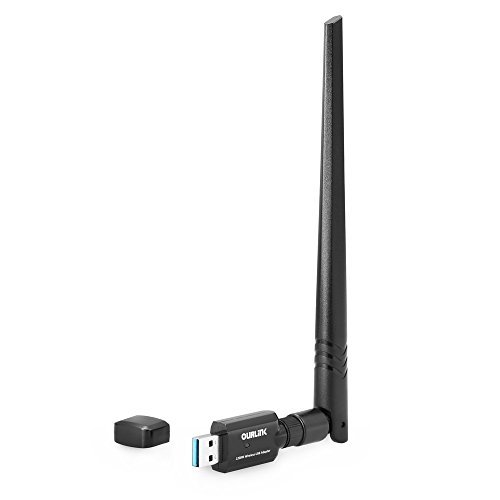
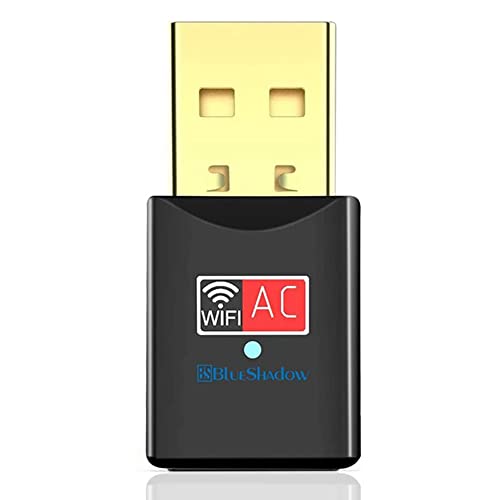
Blueshadow USB WiFi Adapter - Dual Band 2.4G/5G Mini Wi-fi ac Wireless Network Card Dongle with High Gain Antenna for Desktop Laptop PC Support Windows XP Vista/7/8/8.1/10 (USB WiFi 600Mbps)



Key features
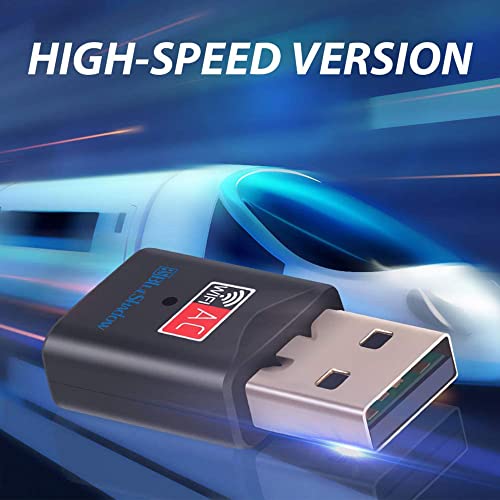
- •HIGH SPEED DUAL BAND WIFH: This usb wifi adapter's maximum speed up to 5GHz 433Mbps or 2.4GHz 150Mbps. Ideal for gaming online and seamless HD video streaming. Ultra-fast AC600 wireless adapter speed with 802.11ac.
- •HIGH GAIN LONG RANGE ANTENNA: It can help you connect even when signals are weak,The internal omni-directional antenna for increased coverage and stability, easy to carry and no space occupation with mini size.
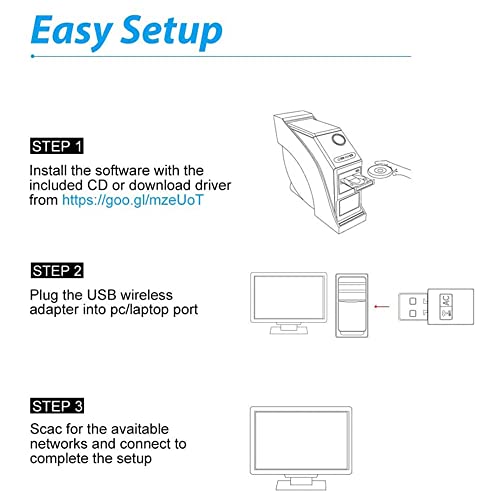
- •WIDE COMPATIBILITY: Compatible with windows 10/8/7/Vista/XP/2000, Mac OS 10.4-10.12.1.ONLINE DRIVER DOWNLOAD LINK:http://bit.ly/2qLS37h
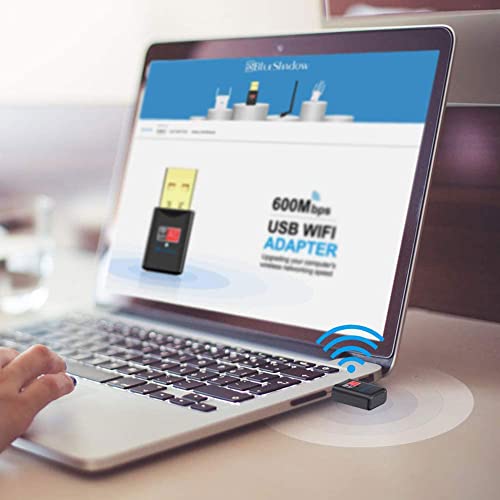
- •WORKS WITH ANY WIFI ROUTERS: By using this wireless network adapter, you can upgrade your Desktop, Laptop, PC to work with the latest dual band router for faster speed and extended range.
- •CUSTOMER SERVICE: We provide 18-Month Worry-free Warranty for this mini wifi adapter, Enjoy the convinience that our Wireless Network Card offers.
Blueshadow USB WiFi Adapter - Dual Band 2.4G/5G Mini Wi-fi ac Wireless Network Card Dongle with High Gain Antenna for Desktop Laptop PC Support Windows XP Vista/7/8/8.1/10 (USB WiFi 600Mbps)
List Price: $29.08$26.17DEALYou Save: $2.91 (10%)
Free shippingFree Returns – 30 daysFree Order CancellationSecure Payment2–3 Days DeliveryGet It October 26, 2026In Stock (1)No marketing spamNo account requiredFulfilment by FedEx / Amazon / UPS / ShipwirePayPal / Card Buyer Protection
Customer Reviews
Reviews sourced from verified Amazon purchasers4.3
out of 5
Based on 10 reviews
5★
80%
4★
20%
3★
0%
2★
0%
1★
0%
Easy Installation If...
Tom T✓ Verified Purchase•October 5, 2023
When I installed an upgraded wireless 5G router, I found that my ancient (7 year old) Dell laptop did not support 5G wireless. Not wanting to go through the hassle of setting up a new laptop, I searched around for a alternate solution. That's how I found the BlueShadow WiFi USB adapter. Actually, there are a number of different devices that handle this problem and the price is definitely less than a new laptop.
I ordered and received it the following day. While waiting I did some reading and found that the necessary drivers could be downloaded from BlueShadow. I knew that the product came with an installation CD, but pulling out an external drive is usually a pain. Also, when I received the package I found that the included CD is one of those small (M-Disk) things. I don't know if my external drive will even accept one of these, so downloading the software was a good solution for me.
After downloading the driver package, I found that it included a quick-install PDF document. Reading through it only took about five minutes and was definitely worth the effort. There are several important tips:
1. You must "disable" the existing Wireless device if your computer has one. Otherwise the computer will be confused about which wireless device to use. Do this before anything else.
2. Unzip the downloaded driver package then find the folder for your operating system. They include folders for Windows, Linux and Apple. In the correct folder is an "Install.exe" file. Double click this application and the normal Windows installation screen will show and you can do a normal software install.
3. Once the install process is completed restart your computer. You can plug in the USB WIFI device before performing the restart. After restarting, go to your "Available Networks" list and you should see your 5G network. Click on it and enter any required password.
That's it, I now have 5G wireless access on my old non-5G laptop. Total installation time is under ten minutes once you know what to do.
So far, the device work perfectly. Connects automatically on start up and doesn't seem to be unstable or to have disconnect issues. For the price, it's an amazing solution.
I ordered and received it the following day. While waiting I did some reading and found that the necessary drivers could be downloaded from BlueShadow. I knew that the product came with an installation CD, but pulling out an external drive is usually a pain. Also, when I received the package I found that the included CD is one of those small (M-Disk) things. I don't know if my external drive will even accept one of these, so downloading the software was a good solution for me.
After downloading the driver package, I found that it included a quick-install PDF document. Reading through it only took about five minutes and was definitely worth the effort. There are several important tips:
1. You must "disable" the existing Wireless device if your computer has one. Otherwise the computer will be confused about which wireless device to use. Do this before anything else.
2. Unzip the downloaded driver package then find the folder for your operating system. They include folders for Windows, Linux and Apple. In the correct folder is an "Install.exe" file. Double click this application and the normal Windows installation screen will show and you can do a normal software install.
3. Once the install process is completed restart your computer. You can plug in the USB WIFI device before performing the restart. After restarting, go to your "Available Networks" list and you should see your 5G network. Click on it and enter any required password.
That's it, I now have 5G wireless access on my old non-5G laptop. Total installation time is under ten minutes once you know what to do.
So far, the device work perfectly. Connects automatically on start up and doesn't seem to be unstable or to have disconnect issues. For the price, it's an amazing solution.
Gives an old 802.11
Bad Wolf✓ Verified Purchase•September 28, 2023
I have a spare older laptop that only supported 2.4 GHz (802.11g, which also had interference from my wireless keyboards. I tried adding an old Belkin and a Netgear dual 802.11n I had lying around, but both were big and ponderous for a laptop and didn't take advantage of the speed, bandwidth, wider channels, and fourth stream my 802.11ac router was capable of delivering - neither performed anywhere nearly as well as my native ac laptop. I put this in my spare USB port, configured it and overrode the internal antenna in minutes with the new drivers. It now performs flawlessly both at home and in public sites. No speed problems and nice and small when I carry the laptop in a backpack. Recommended. Since my primary laptop is connected to over a dozen USB devices, as well as 2 HD monitors, it's a pain to have to unplug all of the devices, including 20 extra TB of USB-C drives just to take it out of my office occasionally. I've been using the old 2.4 one, only now I have 5GHz support (2.4 in my neighborhood is overwhelmed due to all of the apartment complexes with scores of users on every channel in the immediate vicinity). 5GHz has plenty of totally unused channels & few other users for whatever reason. I use 10/100/1000 ethernet for most devices, but I'm still in competition with everybody else in my apartment block when I use 2.4 GHz wifi, so my tablets, phones & the old laptop need the dual option. This 802.11ac gives me comparable speed as my native ac duals with my 150 Mbps home d/l router.
There are some much more expensive USB 3.0 plugins complete with external antennas and double the speed, but this more than does the job I need it to do & the old laptop only supports USB 2.0 anyway. Save your money unless you really need the top end stuff for gaming and such.
There are some much more expensive USB 3.0 plugins complete with external antennas and double the speed, but this more than does the job I need it to do & the old laptop only supports USB 2.0 anyway. Save your money unless you really need the top end stuff for gaming and such.
As promised - very fast shipment and delivery!
Umidjon Begmatov✓ Verified Purchase•August 27, 2023
Super fast shipment and fast delivery (almost overnight!). thanks for that..
1) Installation guideline is easy to follow.
2) Speed increased from 36 mbs (2.4.ghz) to 178 (5ghz) right after installation and restart of PC.
Only thing I didn't understand is why mini CD is needed for installation (which comes with package). I thought for 2017 product CD times are long gone...Why installation software can't be within the same USB - what happens to those who doesn't have CD-driver?
1 day for my experience but so far satisfied.
1) Installation guideline is easy to follow.
2) Speed increased from 36 mbs (2.4.ghz) to 178 (5ghz) right after installation and restart of PC.
Only thing I didn't understand is why mini CD is needed for installation (which comes with package). I thought for 2017 product CD times are long gone...Why installation software can't be within the same USB - what happens to those who doesn't have CD-driver?
1 day for my experience but so far satisfied.
Now I can cast PC to Roku
Steve Berlin✓ Verified Purchase•August 26, 2023
My desktop Windows 10 machine has an Ethernet connection to the router. In order to cast what is on my PCs screen to the Roku Ultra connected to my TV I needed WiFi in my PC. The least expensive was this device. Up and running and casts to my TV nicely.
Works as intended, but there is some room for improvement
E. Baker✓ Verified Purchase•August 25, 2023
I have had this for just a few days now, and it seems to be performing as advertised. My cheap laptop can now connect to the 5 GHz band from my dual-band WiFi router, rather than just the 2.5 GHz band, and I am seeing significant increases in bandwidth to/from my laptop. That's what I wanted, and the device is delivering.
Two points worth noting, which are why the item gets 4-stars and not 5-stars from me. First, the installation and software for the device are a bit clunky. Software (at least for my Windows 10 laptop) has to be installed from a disk, rather than being Plug & Play. And, once installed, the software is a bit rudimentary in the look & feel departments. It works, but words like "seamless" and "elegant" definitely do not come to mind when using. I feel like once the device is installed, I shouldn't even be seeing the software anymore, but it's a bit more obtrusive than I would prefer.
The second issue relates to the flashing blue LED light that is part of the device. It's a very small light, and I hardly noticed it when first using it. But when I turned out the lights and went to bed, I discovered I now had a mini strobe light installed in my bedroom. The tiny blue light flashes more or less continuously, whether the computer is in use or not, and the blinking light was very noticeable on the ceiling overhead when my wife and I were trying to sleep. Of course, simply removing the adapter from the computer at bed time would solve the problem. I opted instead to install a small piece of black electrical tape over the light, which is not an elegant solution, but it works.
Two points worth noting, which are why the item gets 4-stars and not 5-stars from me. First, the installation and software for the device are a bit clunky. Software (at least for my Windows 10 laptop) has to be installed from a disk, rather than being Plug & Play. And, once installed, the software is a bit rudimentary in the look & feel departments. It works, but words like "seamless" and "elegant" definitely do not come to mind when using. I feel like once the device is installed, I shouldn't even be seeing the software anymore, but it's a bit more obtrusive than I would prefer.
The second issue relates to the flashing blue LED light that is part of the device. It's a very small light, and I hardly noticed it when first using it. But when I turned out the lights and went to bed, I discovered I now had a mini strobe light installed in my bedroom. The tiny blue light flashes more or less continuously, whether the computer is in use or not, and the blinking light was very noticeable on the ceiling overhead when my wife and I were trying to sleep. Of course, simply removing the adapter from the computer at bed time would solve the problem. I opted instead to install a small piece of black electrical tape over the light, which is not an elegant solution, but it works.
Page 1 of 2