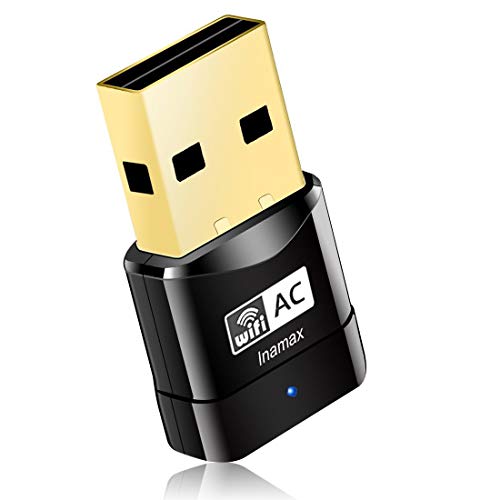
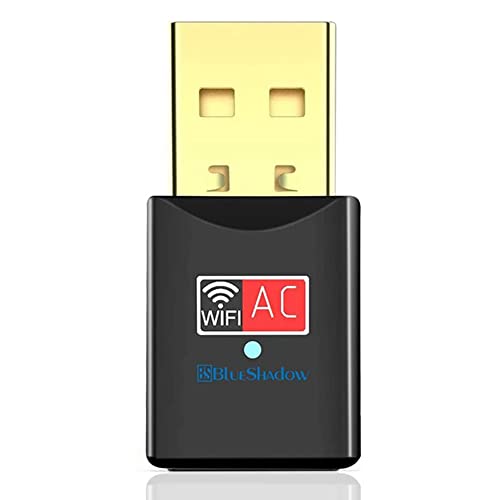
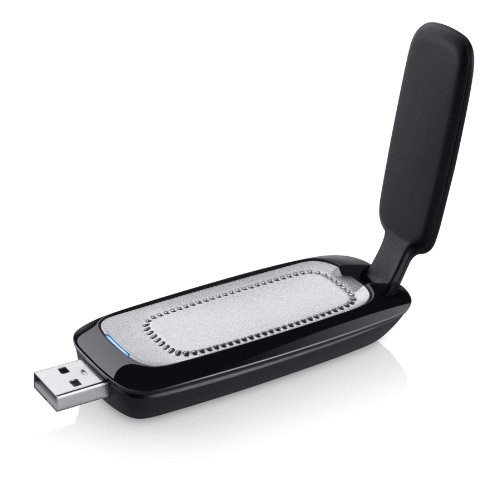
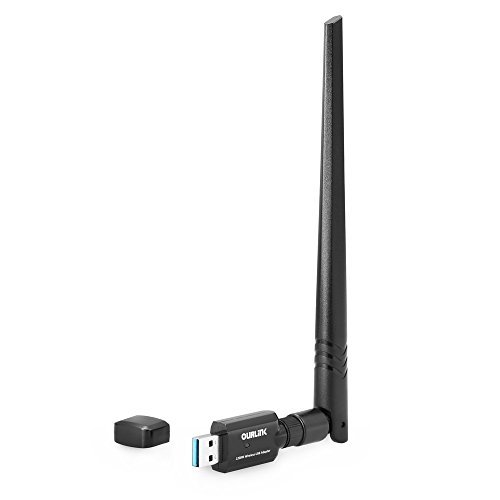
EDUP USB WiFi Adapter AC600M for Desktop PC, Wireless USB Network Adapters Dual Band 2.4G/5.8Ghz Wi-Fi Dongle, Compatible with OS Windows 11/10/8.1/8/7/XP & Mac 10.6~10.14


Key features
- •2.0 USB Wireless wifi Antennas Support Operation System:Window 2000/XP/Vista/Win7/Win8/Win10/Mac OS 10.6-10.12.(pelase download the driver from EDUP official website if can not use the CD:http://www.szedup.com/support/driver-download/ep-db1607-driver/)
- •Wifi usb adapter up to 600Mbps Wi-Fi speeds on 5.8GHz (433Mbps) and 2.4GHz (150Mbps) bands. Dual band reduces interference for better connections to more Wi-Fi devices, Use Roaming technology, promise high effective wireless connect
- •Upgrades PCs to 802.11ac, the latest & most powerful Wi-Fi technology - 3 times faster than wireless N speeds. Ideal for gaming online and seamless HD video streaming
- •802.11ac Wi-Fi technology and detachable 2dBi omni-directional dual band antenna for increased coverage and stability; Dual band wireless usb adapter downward compatability 802.11g/n Internet device
- •Wireless dongle AC600Mbps lifetime warranty Easy to install,driver updates and full technical support in English.(Newest driver link in description or Contact us)
EDUP USB WiFi Adapter AC600M for Desktop PC, Wireless USB Network Adapters Dual Band 2.4G/5.8Ghz Wi-Fi Dongle, Compatible with OS Windows 11/10/8.1/8/7/XP & Mac 10.6~10.14
List Price: $19.38$17.44DEALYou Save: $1.94 (10%)
Free shippingFree Returns – 30 daysFree Order CancellationSecure Payment2–3 Days DeliveryGet It October 24, 2026In Stock (30)No marketing spamNo account requiredFulfilment by FedEx / Amazon / UPS / ShipwirePayPal / Card Buyer Protection
Customer Reviews
Reviews sourced from verified Amazon purchasers4.3
out of 5
Based on 10 reviews
5★
70%
4★
20%
3★
0%
2★
0%
1★
10%
Zero drivers available online from legit source which means zero future support
Dave✓ Verified Purchase•June 19, 2018
Junk. It may work as described but the website listed for the drivers is non-existent. The ACTUAL EDUP website doesn't even have the product listed; Nor do they have any drivers to download. If they can't even bother to host a website to support their product how am I to believe there will be any product support down the road or when a security vulnerability is found, how confident can I possibly be that they are patching their firmware or software appropriately? Many PC's, especially commercial PC's (mostly USFF) do not have cd-roms, and even if they did, without a website for support where's the guarantee their will be software updates as appropriate??
Exactly What I Was Looking For
Pika-Zap✓ Verified Purchase•February 5, 2018
I am very pleased with this wifi adapter. I chose this one because it was the highest rated on Amazon at the time of purchase. Installation was simple, and my download and upload speeds have nearly tripled.
My desktop PC had an internal wifi adapter plugged into the motherboard, which is now 8 years old. The adapter wasn't capable of 5 Ghz or newer encryption technologies and I was running into trouble connecting to my Comcast wireless gateway at home. My download speed was 28 Mbps and upload was 5. I purchased this USB network adapter to resolve my issues, and it was a success.
To install the driver and utility, run the installation disk first before you plug in the USB. Note the instruction pamphlet says to plug the USB in first, but a separate piece of paper was included in the box that specifically corrects that and states to run the disk first. If you have an old network adapter in your computer, also disable that adapter before trying to connect with the new one.
When I first plugged in the USB wifi adapter, I ran an internet speed test (Ookla) and was only getting 2 Mbps down and 3 up, despite the USB utility software saying my signal and link were 100%. Something was obviously wrong, so I tried plugging the USB adapter into a different USB port and that did the trick. All of my USB ports are 2.0, but I heard that some ports provide more power than others, so if you run into a similar issue, try another port first.
My internet download speed is now 94 Mbps and upload is 12 Mbps (note this is on 5 Ghz channel instead of the 2.4). I am very happy with this product.
My desktop PC had an internal wifi adapter plugged into the motherboard, which is now 8 years old. The adapter wasn't capable of 5 Ghz or newer encryption technologies and I was running into trouble connecting to my Comcast wireless gateway at home. My download speed was 28 Mbps and upload was 5. I purchased this USB network adapter to resolve my issues, and it was a success.
To install the driver and utility, run the installation disk first before you plug in the USB. Note the instruction pamphlet says to plug the USB in first, but a separate piece of paper was included in the box that specifically corrects that and states to run the disk first. If you have an old network adapter in your computer, also disable that adapter before trying to connect with the new one.
When I first plugged in the USB wifi adapter, I ran an internet speed test (Ookla) and was only getting 2 Mbps down and 3 up, despite the USB utility software saying my signal and link were 100%. Something was obviously wrong, so I tried plugging the USB adapter into a different USB port and that did the trick. All of my USB ports are 2.0, but I heard that some ports provide more power than others, so if you run into a similar issue, try another port first.
My internet download speed is now 94 Mbps and upload is 12 Mbps (note this is on 5 Ghz channel instead of the 2.4). I am very happy with this product.
at last something that really worked.
Morsi✓ Verified Purchase•January 9, 2018
I have Verizon FIOS at home as my internet provider, and their router is kinda weak and isn't covering the bedrooms which are about 20 meters away from where the router is installed....called verizon multiple times to fix it but in vain.
I tried those WiFi repeaters that plus in any power source and then they broadcast, but didn't notice any change whatsoever.
that sad part is that verizon upgraded my internet speed to 1 Gbps on the cable, but of course the router isn't broadcasting at that speed, i brought my computer very near to the router and i could get speed near to 200 Mbps in download tests.
i bought this device "EDUP " about a week ago and immediately i saw that i got an extra dash on internet strength in the most far point at the house about 25 meters away from the router, the speed i got is 180 Mbps in download speed tests and 170 Mbps in upload tests.
the installation on windows 10 was very easy in finished in few minutes.
in summary, this is a great product which i highly recommend to any body having same issues like me.
I tried those WiFi repeaters that plus in any power source and then they broadcast, but didn't notice any change whatsoever.
that sad part is that verizon upgraded my internet speed to 1 Gbps on the cable, but of course the router isn't broadcasting at that speed, i brought my computer very near to the router and i could get speed near to 200 Mbps in download tests.
i bought this device "EDUP " about a week ago and immediately i saw that i got an extra dash on internet strength in the most far point at the house about 25 meters away from the router, the speed i got is 180 Mbps in download speed tests and 170 Mbps in upload tests.
the installation on windows 10 was very easy in finished in few minutes.
in summary, this is a great product which i highly recommend to any body having same issues like me.
Can I give this product and seller 6 Stars!!!???
YogiGirl88✓ Verified Purchase•October 17, 2017
Until I spoke to the right person at XFinity, I didn't even know these Wifi Adapters even existed! I had an older model HP Laptop and this adapter made it possible for me to connect to my wireless router with no problems! This adapter makes it possible to connect from long ranges and also to both 2.4GHz and 5.0GHz frequencies!!! WHO KNEW!!! this is a fantastic product for the person that likes to stream video or just needs a boost in accessibility! I appreciated the promise of how well this would work so much that I ordered 2 at the same time. I'm glad I did because I was able to share the additional adapter with a friend! She is also well-satisfied!
(BTW, I am NOT a techie person AT ALL! I am only using lay-person words bc I have absolutely no knowledge of how these things work. That being said, I was pleasantly surprised to have ordered the correct item and to actually get the benefits that were promised! Can I give this 6 stars?)
(BTW, I am NOT a techie person AT ALL! I am only using lay-person words bc I have absolutely no knowledge of how these things work. That being said, I was pleasantly surprised to have ordered the correct item and to actually get the benefits that were promised! Can I give this 6 stars?)
With a little effort, I got it working on Linux with kernel version 4.4.0
Alex B.✓ Verified Purchase•July 6, 2017
After a little bit of hassle it is working very well on Ubuntu 16.04 running the 4.4.0 Linux kernel. They don't officially support this kernel, but I managed to find a driver on GitHub for the device that does. I'm rating 4 stars because of the difficulty of finding a solution for newer kernel support. The company should really update their own drivers. Aside from that, the device works very well and the connection is solid and fast.
--- Linux kernel 4.4.0 driver install instructions -----------------------------------------------------------
For reference, my uname -a output is:
Linux alex-ubuntu 4.4.0-83-generic #106-Ubuntu SMP Mon Jun 26 17:54:43 UTC 2017 x86_64 x86_64 x86_64 GNU/Linux
The driver is available on GitHub in the repository diederikdehaas/rtl8812AU.
To install, perform the following:
$ git clone (External links can't be included on Amazon reviews, so search GitHub for the repository mentioned above)
$ cd rtl8812AU/
$ make
$ sudo make install
$ sudo modprobe 8812au
At this point the module will work. To make sure the driver gets enabled on reboot, perform the following:
$ sudo nano /etc/modules
Now add 8812au to the very bottom of this file and save it.
Then you're done. Plug in the device and it will be recognized and you will see the activity light flash and you can connect to your desired network as usual.
--- Linux kernel 4.4.0 driver install instructions -----------------------------------------------------------
For reference, my uname -a output is:
Linux alex-ubuntu 4.4.0-83-generic #106-Ubuntu SMP Mon Jun 26 17:54:43 UTC 2017 x86_64 x86_64 x86_64 GNU/Linux
The driver is available on GitHub in the repository diederikdehaas/rtl8812AU.
To install, perform the following:
$ git clone (External links can't be included on Amazon reviews, so search GitHub for the repository mentioned above)
$ cd rtl8812AU/
$ make
$ sudo make install
$ sudo modprobe 8812au
At this point the module will work. To make sure the driver gets enabled on reboot, perform the following:
$ sudo nano /etc/modules
Now add 8812au to the very bottom of this file and save it.
Then you're done. Plug in the device and it will be recognized and you will see the activity light flash and you can connect to your desired network as usual.
Page 1 of 2