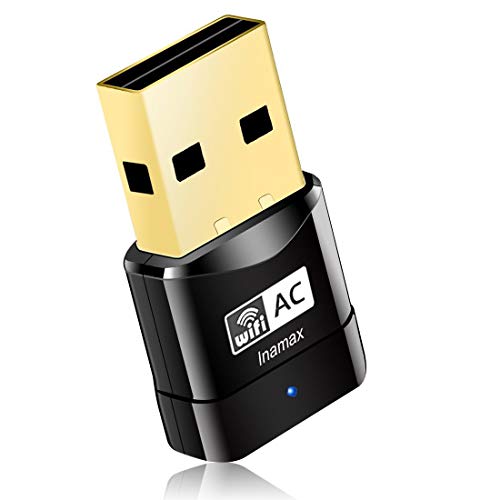
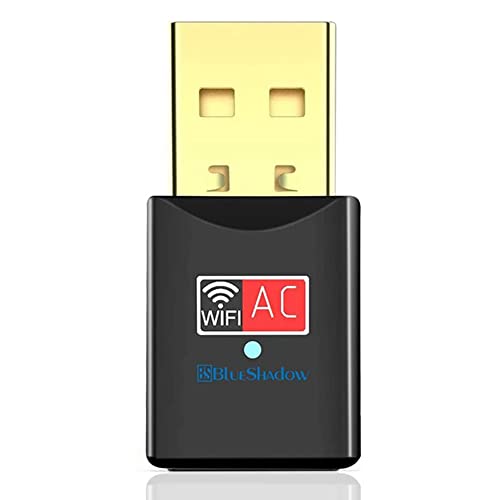
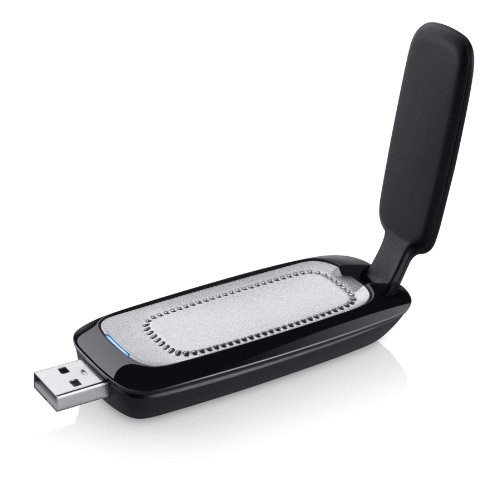
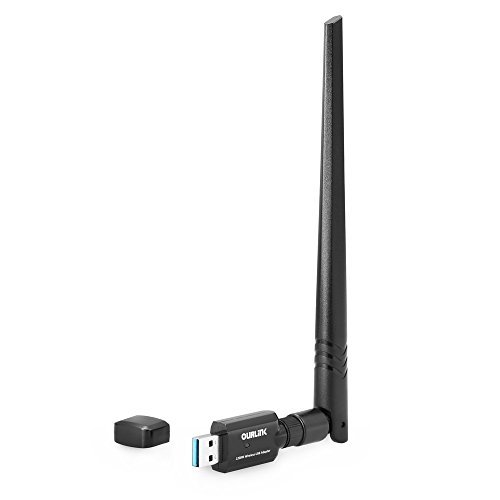
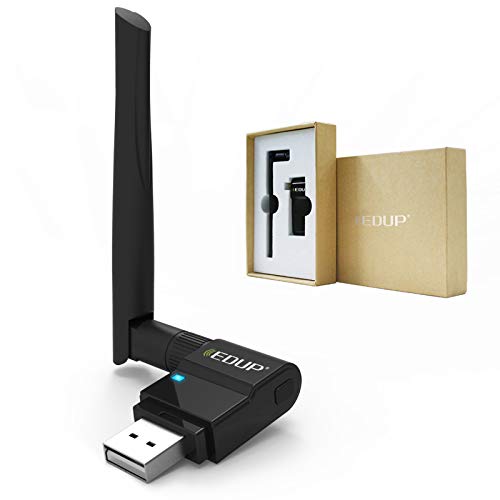
EDUP USB WiFi Adapter Dual Band Wireless Network Adapter 802.11 AC 2.4G/5G USB Wi-Fi Dongle with Extender Antenna Compatible with Windows XP/Vista /7/8.1/10, Mac OS X 10.7-10.15



Key features
- •Upgrades PCs to 802.11ac, the latest & most powerful Wi-Fi technology - 3 times faster than wireless N speeds. Ideal for gaming online and seamless HD video streaming
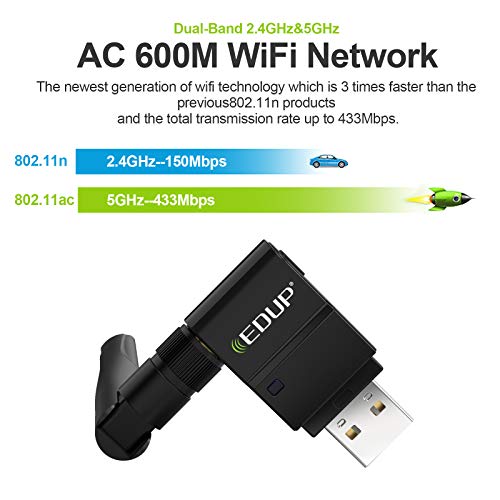
- •Up to 600Mbps Wi-Fi speeds on 5GHz (433Mbps) and 2.4GHz (150Mbps) bands. Dual band reduces interference for better connections to more Wi-Fi devices
- •802.11ac Wi-Fi technology and detachable 5dBi omni-directional dual band antenna for increased coverage and stability
- •Beamforming+ technology boosts speed, range and reliability. Setup CD included; Once you've run the software, you can simply insert the adapter to get connected.
- •Innovative-design, wireless USB adapter compatibility: Win10, Win 8,Win 7, Win XP, Mac OS X 10.6-10.13(If the CD can not be used, please download the driver from EDUP web:http://www.szedup.com/edup-1635/) or contact us.
EDUP USB WiFi Adapter Dual Band Wireless Network Adapter 802.11 AC 2.4G/5G USB Wi-Fi Dongle with Extender Antenna Compatible with Windows XP/Vista /7/8.1/10, Mac OS X 10.7-10.15
List Price: $27.14$24.43DEALYou Save: $2.71 (10%)
Free shippingFree Returns – 30 daysFree Order CancellationSecure Payment2–3 Days DeliveryGet It October 24, 2026In Stock (1)No marketing spamNo account requiredFulfilment by FedEx / Amazon / UPS / ShipwirePayPal / Card Buyer Protection
Customer Reviews
Reviews sourced from verified Amazon purchasers4.3
out of 5
Based on 10 reviews
5★
80%
4★
20%
3★
0%
2★
0%
1★
0%
Works Great For Our Laptops - Use 5.0Ghz!
Jo K✓ Verified Purchase•August 8, 2023
This adapter doesn't really change the internet speed of your laptop if you are using it with the 2.4Ghz band on your router. It WILL however, greatly increase if you are using the 5.0Ghz band. We pay for 200Gbps speed through our provider. My desktop gets anywhere from 180 to 260Gbps on ethernet. Testing Wifi speeds on three different Lenovo laptops in our house, each laptop showed around 50-52Mbps on the 2.4Ghz band. However, on the 5.0Ghz band, each laptop ran anywhere from 180 to well over 300 Gbps. So, if you have a modem that will handle at least 400Mbps, and a router that supports 2.4 and 5.0Ghz, then you shouldn't have any issues with this adapter.
NOTE: When you plug in the adapter, be sure to check available networks. Your computer will show your regular Wifi networks under either something like "Wifi", or "Wifi 1", etc. The adapter will add another label, showing something like "Wifi 2", "Wifi 3", etc. So be sure that you are on the adapter's settings and not the laptop's settings when you use the adapter. It will still show your network names -- it'll just be under another option, if that makes any sense.
I have included a picture of what my laptop shows when I plug the adapter in. It will show the main network as just "Wifi", but the adapter network as "Wifi 3". (Sorry the picture is a blurry!). I select "Wifi3", and then my 5Ghz band from there. I also took pictures of the speeds I get with the 2.4Ghz setting, vs the 5.0Ghz setting with the adapter. HUGE difference! Of course, your speed may vary. :-)
Hope this helps!
NOTE: When you plug in the adapter, be sure to check available networks. Your computer will show your regular Wifi networks under either something like "Wifi", or "Wifi 1", etc. The adapter will add another label, showing something like "Wifi 2", "Wifi 3", etc. So be sure that you are on the adapter's settings and not the laptop's settings when you use the adapter. It will still show your network names -- it'll just be under another option, if that makes any sense.
I have included a picture of what my laptop shows when I plug the adapter in. It will show the main network as just "Wifi", but the adapter network as "Wifi 3". (Sorry the picture is a blurry!). I select "Wifi3", and then my 5Ghz band from there. I also took pictures of the speeds I get with the 2.4Ghz setting, vs the 5.0Ghz setting with the adapter. HUGE difference! Of course, your speed may vary. :-)
Hope this helps!
Muy buen adaptador
Andrés Felipe Murillo Moreno✓ Verified Purchase•July 30, 2023
Excelente adaptador a solucionado de manera considerable mis problemas de conexion por red wifi
Good enhancer
Richard J Delnickas✓ Verified Purchase•July 26, 2023
Product works quite well. Has improved wifi considerably
OMG!!!! Super fast.....
B Mallory✓ Verified Purchase•July 21, 2023
I've been using an old device from ATT when I used to have ATT as my internet provider -- maybe 10 years old -- so when I received this, I thought, okay, let's see how this works. So instructions say (I'm IT) install drivers first before plugging in device, which I did (had to manually open up location of setup and double left mouse click on setup). Let it install, reboot. After reboot, waited about 1 minute, and then I saw my router with my 2.4 ghz and 5G, and connected after entering my router password. Now getting almost 200 mbps instead of 50 mbps, which was fine for what I was doing. But for you gamers, you may have to lower your resolution as 200 for some high end gaming may not work, but it is definitely good enough for streaming and a lot of the games (but gamers reading this will know what their games require). I am only 18 feet from my router through a door (my router is on a shelf) so that may also be why I get a good signal. I did plug into the front of my PC, not the back where the signal may be impeded by the PC as the antenna would not reach above. Tried speedtest.net with antenna up and down, no difference. I would highly recommend this product as it was cheap and worked -- a combo that works for me!!!! I saw some other reviews about it dropping and after windows update did not work. My windows is on the latest 20H2 and no issues. Using for 3 days now. My web page images load super fast now (how I knew I needed to finally bite the bullet, do some research and obtain a newer device). I think I've covered everything, for non IT people as well as gamers who usually know how their games work and what type of speed they need, so good luck!!!!
Wireless adapter
TJ✓ Verified Purchase•June 14, 2023
Everything works great right out of the box. I have recently built a cabinet that covers my Ethernet jack and I want to go wireless so I don't have to have the cabinet doors propped open for the Ethernet cable from my desktop PC. I installed per the instructions and with a little interaction with Windows 10 and my Avast, I was able to connect pretty quickly. Things would work well for short periods and then become slow. I would adjust the antenna, restart the adapter and things would be fine...for a well. Now, I am using a USB extension cable and have the unit on my desk. I have had only one hiccup in the last couple of days and that was at a time when my Roku had a problem and stopped playback of a movie as well. The Roku recovered after a few pause/play presses but I had to stop and restart my wireless adapter on my PC. Other than that, it has been solid. One other thing is that the utility software doesn't run correctly for me, but Edup support is looking into it promptly by email.
Page 1 of 2