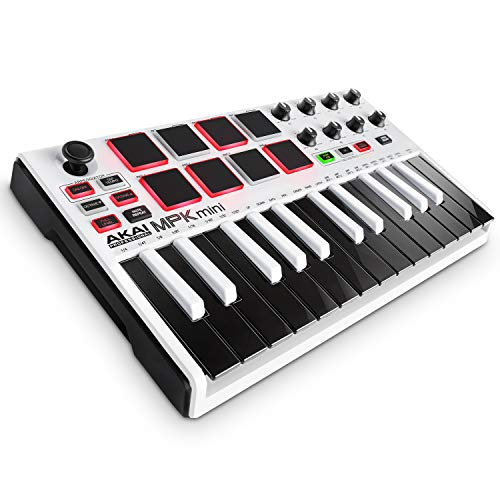
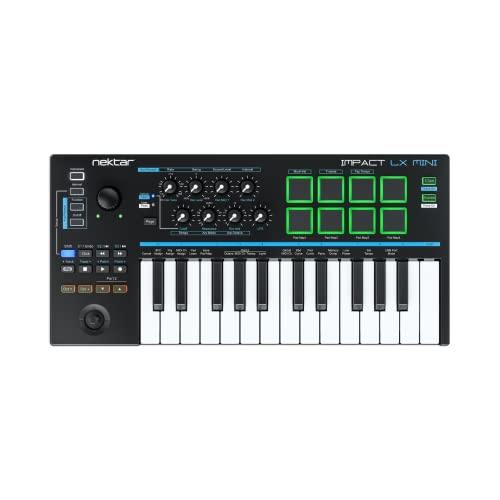
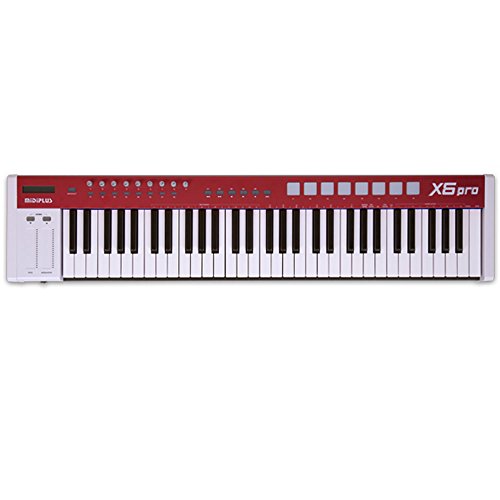
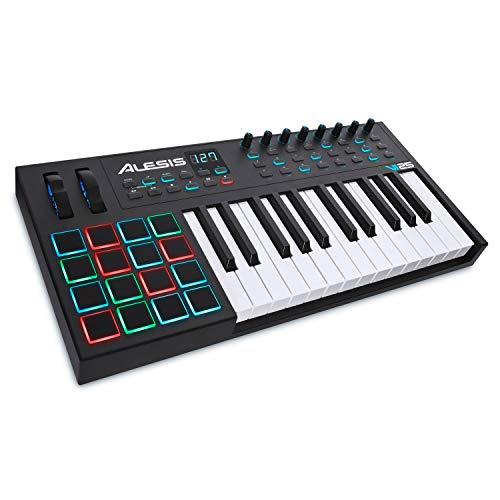
Akai Professional MPK Mini Play MK3 - MIDI Keyboard Controller with Built-in Speaker and Sounds Plus Dynamic Keybed, MPC Pads, Software Suite and Native Instruments Sound Package



Key features
- •Compact yet powerful standalone mini keyboard with built-in speaker and USB MIDI Controller capabilities for beat makers, songwriters and musicians
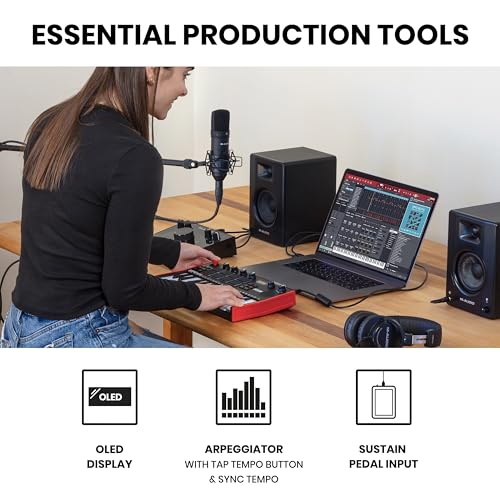
- •25-Key Gen 2 MPK Mini dynamic keybed, OLED Display, 8 Velocity sensitive backlit MPC drum pads, arpeggiator and note repeat, plus 4 encoder knobs deliver a professional, versatile performance
- •Over 100 internal drum and instrument sounds including acoustic and electric pianos, synth leads, pads and more
- •Take MPK Mini Play MK3 on the go and power up with batteries (not included), or connect to USB Mains Plug
- •Includes MPC Beats and MPC expansion packs plus software instruments Mini Grand, Hybrid and Velvet from AIR Music Tech for limitless creativity
- •Melodics educational software download included with 60 free lessons and plug and play support for instruction on MIDI keyboards, pad controllers and e-drums
BrandAkai Professional
CategoryMIDI Controllers
SizeMPK Mini Play MK3
ColorStandard
Warranty1 year mnufacturer.
Akai Professional MPK Mini Play MK3 - MIDI Keyboard Controller with Built-in Speaker and Sounds Plus Dynamic Keybed, MPC Pads, Software Suite and Native Instruments Sound Package
List Price: $187.70$168.93DEALYou Save: $18.77 (10%)
Free shippingFree Returns – 30 daysFree Order CancellationSecure Payment2–3 Days DeliveryGet It October 25, 2026In Stock (30)No marketing spamNo account requiredFulfilment by FedEx / Amazon / UPS / ShipwirePayPal / Card Buyer Protection
Customer Reviews
Reviews sourced from verified Amazon purchasers4.5
out of 5
Based on 10 reviews
5★
60%
4★
40%
3★
0%
2★
0%
1★
0%
Well made
Paul✓ Verified Purchase•October 14, 2023
Pros:
- Solid Build.
- Nice keyboards.
- Responsive.
Cons:
- Volume was super low and couldn't be increased.
- Drum pads were not sensitive enough, when tapping with using the internal speaker, you'd mostly hear that tapping and not the drum sound.
Note:
- I have no talent, just playing with it.
- Returned due the lack of volume and that doesn't meet my needs.
- Bluetooth would be nice.
- Solid Build.
- Nice keyboards.
- Responsive.
Cons:
- Volume was super low and couldn't be increased.
- Drum pads were not sensitive enough, when tapping with using the internal speaker, you'd mostly hear that tapping and not the drum sound.
Note:
- I have no talent, just playing with it.
- Returned due the lack of volume and that doesn't meet my needs.
- Bluetooth would be nice.
Very nice MIDI keyboard, only one complaint
daniel caldwell ✓ Verified Purchase•October 5, 2023
This is a great little MIDI keyboard I really like everything about it except for, MCPB Is a digital audio workstation made by a car that you can use to make beats on,. The regular mini version of this the dials control some of the controls on the program but on the play version the dial will not control anything on that program so you have to use your mouse and control the dials on the PC, instead of doing it from the keyboard itself, that kind of bothers me I don't understand why they couldn't have made at least some of the dials control the couple main controls you would use, I mean I get this is a little different but I still think those dials should be able to control some of the things on MCP beats but besides that, it's probably not as big of a deal as it sounds because you can still adjust that just fine on the software itself but overall I miss this very nice. If I had it to do over again I think I would have just bought the regular mini and not the play for that reason, I thought I was going to use the built-in speaker a lot more than I do, but generally if I'm going to play it I'm just plugging into the computer,
Everything about this is great and works perfect except for those dials don't work on The MCP beats digital audio workstation or DAW, whatever you want to call it But again you can still adjust them with your mouse
Everything about this is great and works perfect except for those dials don't work on The MCP beats digital audio workstation or DAW, whatever you want to call it But again you can still adjust them with your mouse
Talent Not Included
trixwagen✓ Verified Purchase•August 27, 2023
Someone always asks "Is there a midi keyboard that has its own internal sounds?"
Yes. The MPK Mini Play.
"How many notes of polyphony? Is it velocity sensitive?"
32 notes. Yes, it's velocity sensitive.
"Does it have a looper or a sequencer?"
Nope. It would be amazing if it did.
"How are the sounds?"
They are adequate You can modify them to some extent and it has some effects.
"Who is this for?"
Whoever wants a really small keyboard that makes sounds, takes batteries, and has its own built in speaker. It also can be used as a midi keyboard.
"Aren't there other small keyboards like that?"
I have a Roland boutique with the optional keyboard in the picture next to the MPK Mini Play. It's a bit larger, it can make a lot more different sounds but it costs a lot more.
"Should I buy this keyboard?"
Absolutely not.
"What?!?"
Alright. You should buy it. It really needs a sequencer, though. You could run it through a looper pedal, so you could make a drum beat, then play another instrument on top of it, but that costs as much as the Mini Play.
"Dude, buy or no buy?"
I really like the drum pads on this thing. The display is small but looks good, better than the dated display on the Roland Boutique. This thing is a couch synth for the casual player. Sometimes that's all you need. If you need more, get more. It's not a "real synth", meaning you can't design your own sounds from scratch. You can't add any samples. But I paid $150, not $500 or $1000. Manage your expectations.
Yes. The MPK Mini Play.
"How many notes of polyphony? Is it velocity sensitive?"
32 notes. Yes, it's velocity sensitive.
"Does it have a looper or a sequencer?"
Nope. It would be amazing if it did.
"How are the sounds?"
They are adequate You can modify them to some extent and it has some effects.
"Who is this for?"
Whoever wants a really small keyboard that makes sounds, takes batteries, and has its own built in speaker. It also can be used as a midi keyboard.
"Aren't there other small keyboards like that?"
I have a Roland boutique with the optional keyboard in the picture next to the MPK Mini Play. It's a bit larger, it can make a lot more different sounds but it costs a lot more.
"Should I buy this keyboard?"
Absolutely not.
"What?!?"
Alright. You should buy it. It really needs a sequencer, though. You could run it through a looper pedal, so you could make a drum beat, then play another instrument on top of it, but that costs as much as the Mini Play.
"Dude, buy or no buy?"
I really like the drum pads on this thing. The display is small but looks good, better than the dated display on the Roland Boutique. This thing is a couch synth for the casual player. Sometimes that's all you need. If you need more, get more. It's not a "real synth", meaning you can't design your own sounds from scratch. You can't add any samples. But I paid $150, not $500 or $1000. Manage your expectations.
Great Portable Keyboard, but Velocity is a tad janky...
R.V.L✓ Verified Purchase•August 22, 2023
Keyboards Portability is fantastic. I can literally plug it into my phone and have a fully functional midi keyboard on the go, or just use it by itself to jam out. I love that.
On the usability side... It comes with a "Full Level" key that maxes out the Pad Velocity (meaning how loud it is when you press soft/hard). However, there is NOT a "Full Level" option for the Keyboard keys as well! The hard presses feel fine, but sometimes a medium press ends up sounding super quiet. While there IS velocity settings hidden away (user manual doesn't even mention them, but you can adjust the Velocity curve by holding Full Level and then adjusting V1-V4). However, even maxing it out, some presses will 'without any reason' still register as soft presses somehow...
There are workarounds to this through DAWs so I may keep it for the portability factor. But the key velocity buggy-ness is quite an annoyance for an all-in-one keyboard...
On the usability side... It comes with a "Full Level" key that maxes out the Pad Velocity (meaning how loud it is when you press soft/hard). However, there is NOT a "Full Level" option for the Keyboard keys as well! The hard presses feel fine, but sometimes a medium press ends up sounding super quiet. While there IS velocity settings hidden away (user manual doesn't even mention them, but you can adjust the Velocity curve by holding Full Level and then adjusting V1-V4). However, even maxing it out, some presses will 'without any reason' still register as soft presses somehow...
There are workarounds to this through DAWs so I may keep it for the portability factor. But the key velocity buggy-ness is quite an annoyance for an all-in-one keyboard...
works great
frank garrett✓ Verified Purchase•August 20, 2023
works great
Page 1 of 2