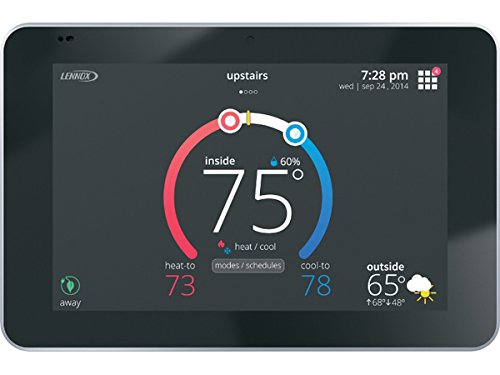
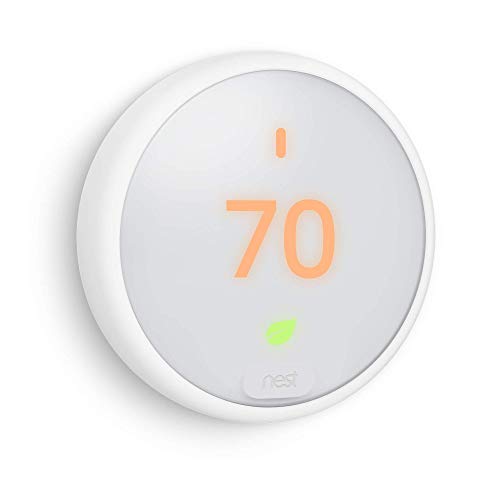
Trane XR724 Comfort Control 4H/2C Programmable Thermostat


Key features
- •OEM Trane Component with Trane Logo
- •For use with Various American Standard & Trane Systems
- •Compatible with Nexia smart home, this programmable, touchscreen thermostat can be used to remotely control your home's temperature to suit your lifestyle and reduce your cooling and heating energy usage. The Trane XR724 connects you with your home's comfort even when you are away.
- •The Trane XR724 control is an innovative programmable, touch-screen thermostat control that is compatible with Trane as well as any other brand of standard central heating and air conditioning systems. It is compatible with Nexia smart home and Diagnostics and includes Remote Climate Access* *Nexia Home bridge required
- •Non-Returnable Thermostat , Factory Warranty
Trane XR724 Comfort Control 4H/2C Programmable Thermostat
List Price: $290.99$261.89DEALYou Save: $29.10 (10%)
Free shippingFree Returns – 30 daysFree Order CancellationSecure Payment2–3 Days DeliveryGet It October 25, 2026In Stock (8)No marketing spamNo account requiredFulfilment by FedEx / Amazon / UPS / ShipwirePayPal / Card Buyer Protection
Customer Reviews
Reviews sourced from verified Amazon purchasers3.7
out of 5
Based on 1 reviews
5★
0%
4★
100%
3★
0%
2★
0%
1★
0%
Could be 5 stars but instructions are not complete
tb626✓ Verified Purchase•April 8, 2023
Once set up it works great, but setting it up is a challenge because the instructions leave out one very important detail.
The instructions say to turn off mobile data, if you only do that you will never get it working. You have to turn on airplane mode, which will turn off mobile data. In other word you must have your phone in airplane mode and then turn on WIFI. As you all know, mobile data will not turn on in airplane mode but wi-fi will turn on. So be sure to connect wi-fi on your phone to the network you plan on using after you turn on airplane mode. I believe if all those folks who have problems would do this to their XR724 they would setup and work correctly. I spent over an hour following the exact supplied directions to no good until I did this simple change. Two XR724 set up perfectly! A plus is that it works with Alexa!
The instructions say to turn off mobile data, if you only do that you will never get it working. You have to turn on airplane mode, which will turn off mobile data. In other word you must have your phone in airplane mode and then turn on WIFI. As you all know, mobile data will not turn on in airplane mode but wi-fi will turn on. So be sure to connect wi-fi on your phone to the network you plan on using after you turn on airplane mode. I believe if all those folks who have problems would do this to their XR724 they would setup and work correctly. I spent over an hour following the exact supplied directions to no good until I did this simple change. Two XR724 set up perfectly! A plus is that it works with Alexa!